Your Professional Website, with Built-in Booking
Your Professional Website, with Built-in Booking
Your Professional Website, with Built-in Booking
A professional website on your own subdomain, live in minutes. About, services, blog, certificates, and online booking, all in one package.
From a visitor click to a client card.
Your site takes the booking, you get notified, you approve. The new session lands on your calendar; the new client lands in your list.
Your website, ready in 6 steps.
From profile to marketing — every detail managed from one panel.
Set Up Your Profile
Write your bio, choose your areas of expertise, and add your certifications. Let your visitors recognize who you are, what areas you work in, and which languages you offer sessions in at first glance.
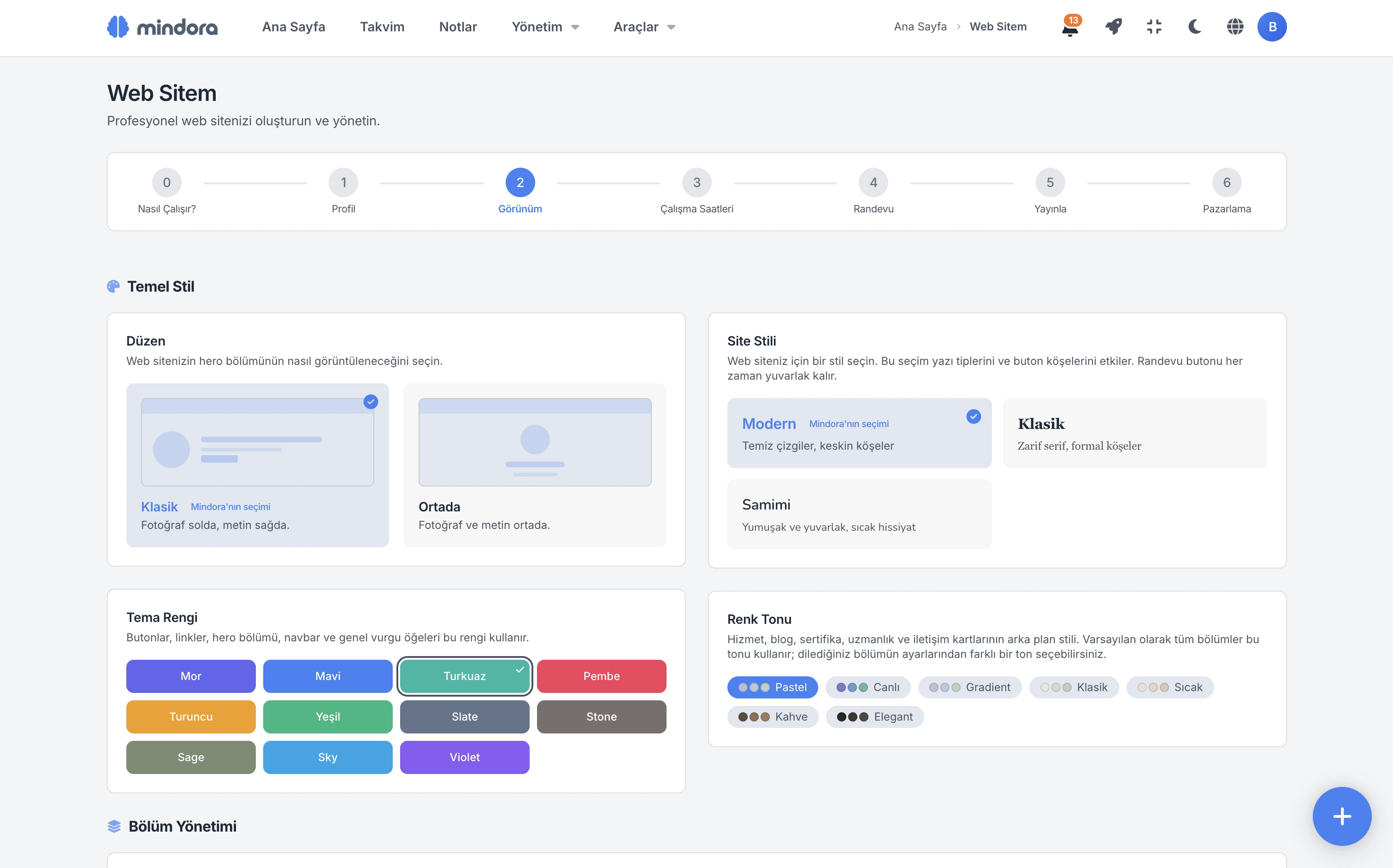
Design Your Site
Choose the colors, font, images, and page layout. Create a site that looks like you in minutes with theme colors, modern image options, and hero animations.
Set Your Working Hours
Choose which days and times you'll accept appointments. Online bookings only show during the time ranges you set.
Configure Your Booking Flow
Should appointments be confirmed automatically, or pass through your approval? Decide which services appear online.
Publish Your Site
Pick your subdomain, complete the publishing requirements, and go live with one click. Unpublishing is just as easy.
Turn On Marketing
Configure your SEO settings so your site is easier to find on search engines. Add your Google Analytics and Google Ads IDs, then track visitor and conversion data in their own panels.
Same content, unlimited styles.
On Mindora, combinations of colors, fonts, tones and visuals create hundreds of looks — here we illustrate it with 5 sample styles.
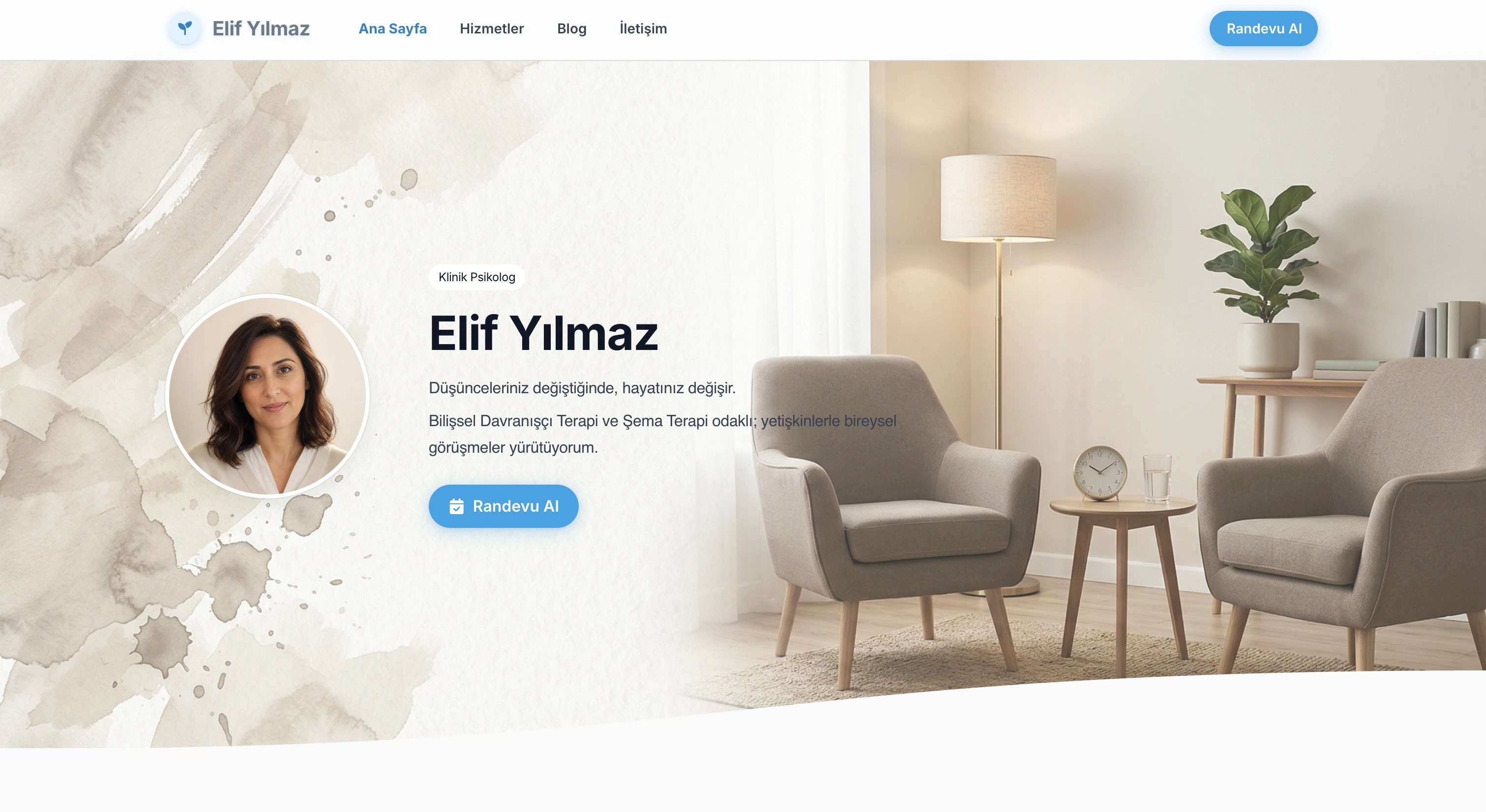
First Impression
Visitors read your name, your promise, and the booking button within seconds of landing.
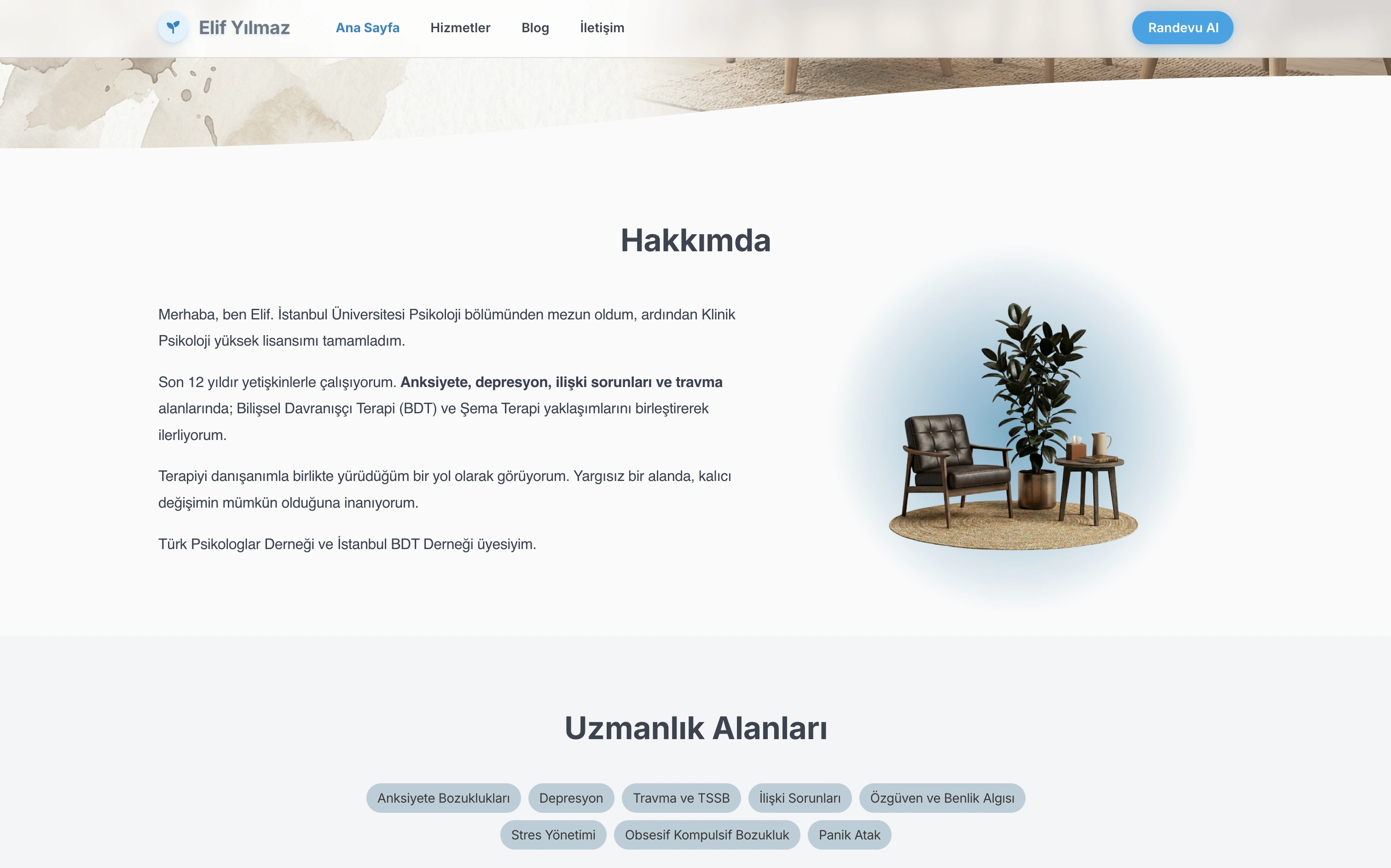
Introduction
Your education, approach, and areas of expertise — communicate who you are with clarity.
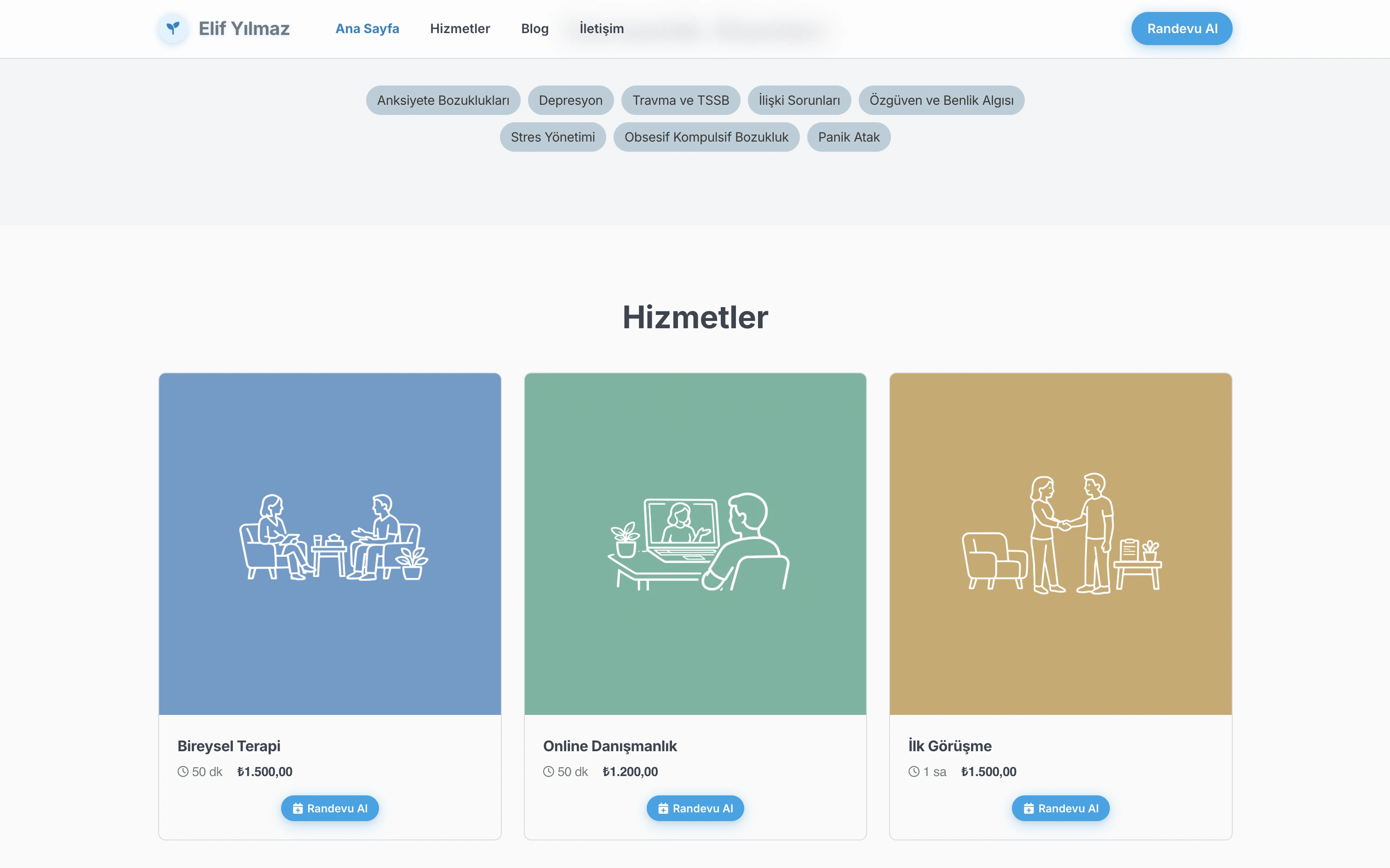
Service Lineup
Show your session types with duration and pricing — transparency builds trust.
Personal Invitation
A heartfelt sentence for the hesitating visitor — the last step before booking.
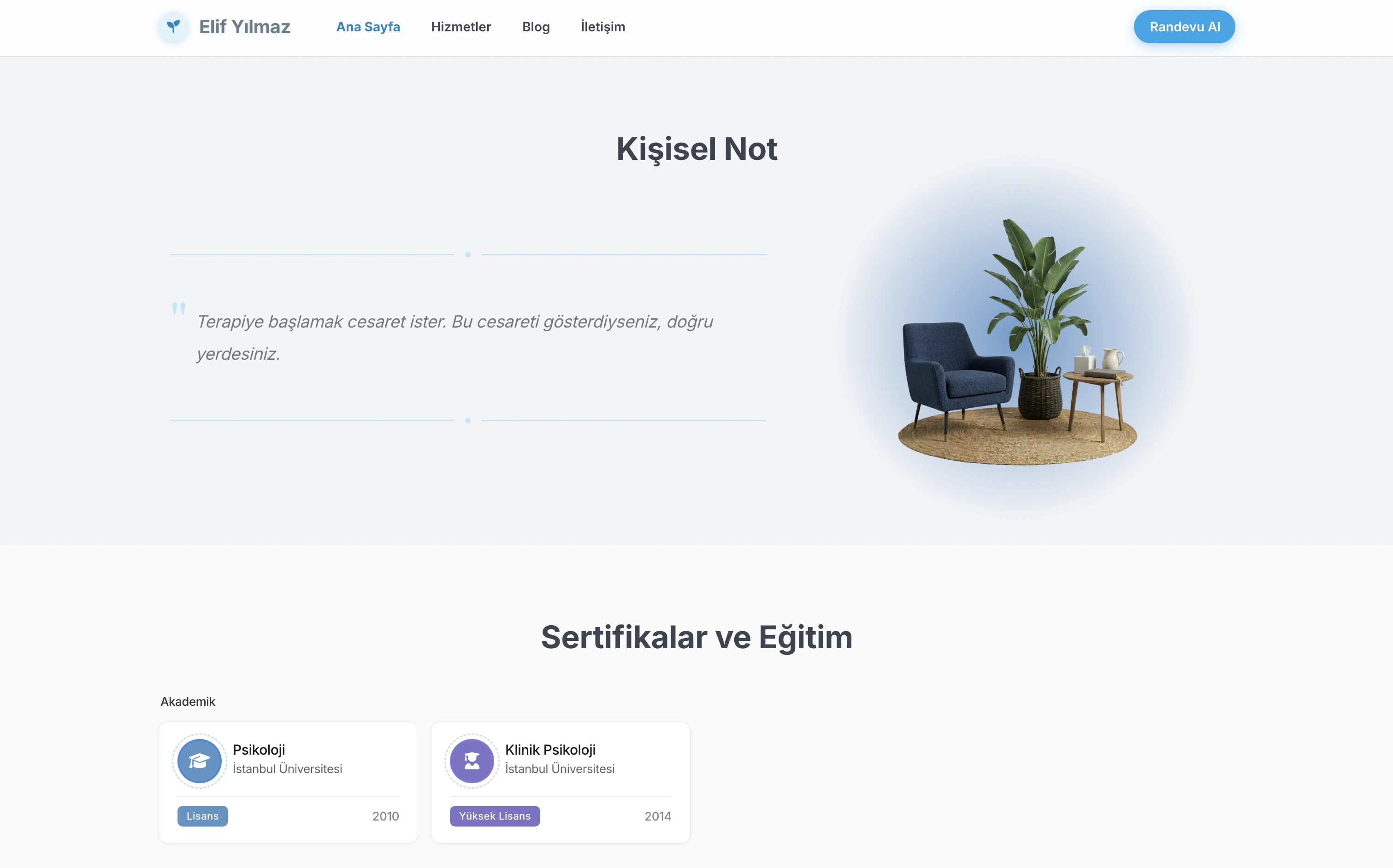
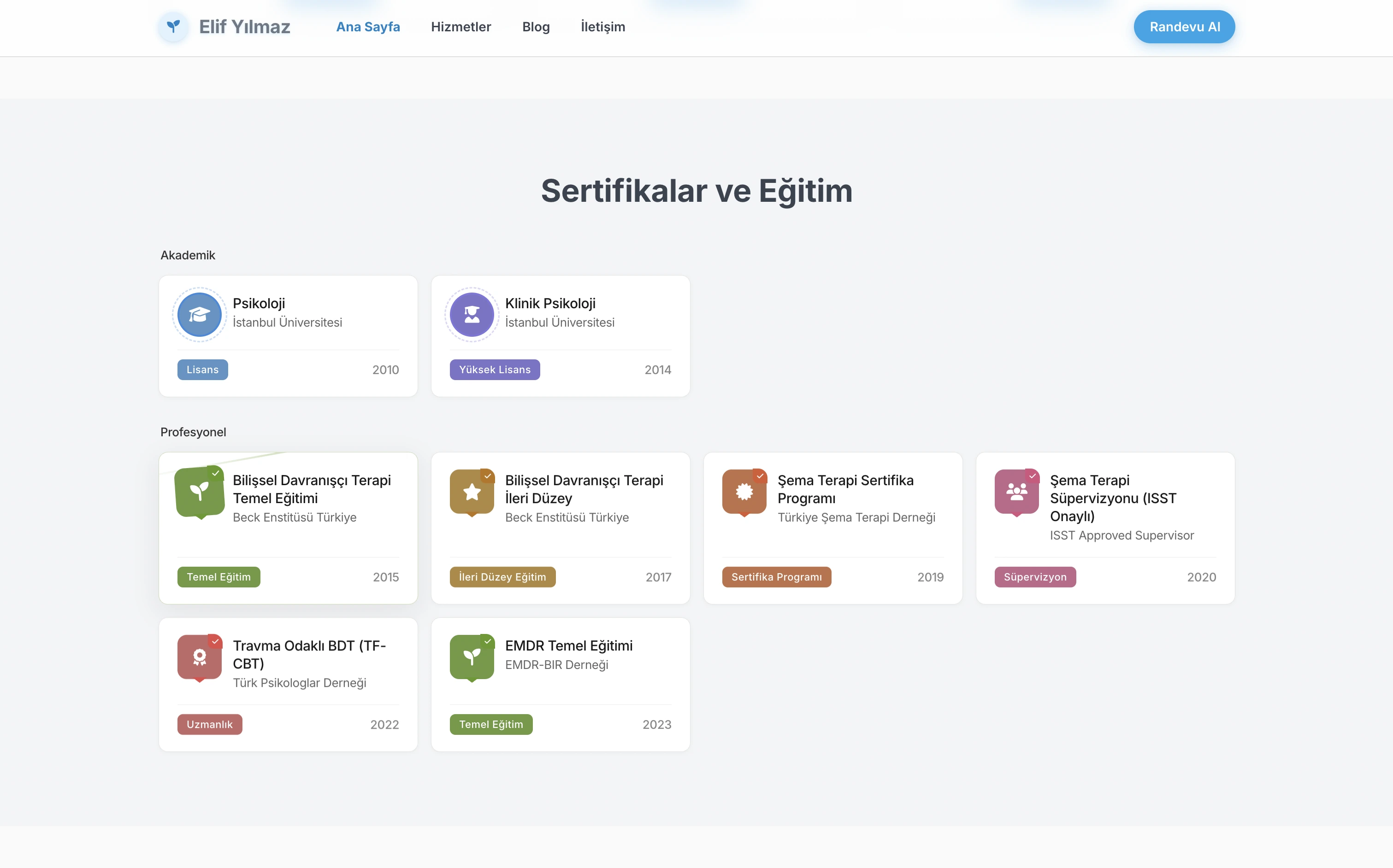
Academic Background
Degrees, certifications, and supervision — a structured record of credibility.
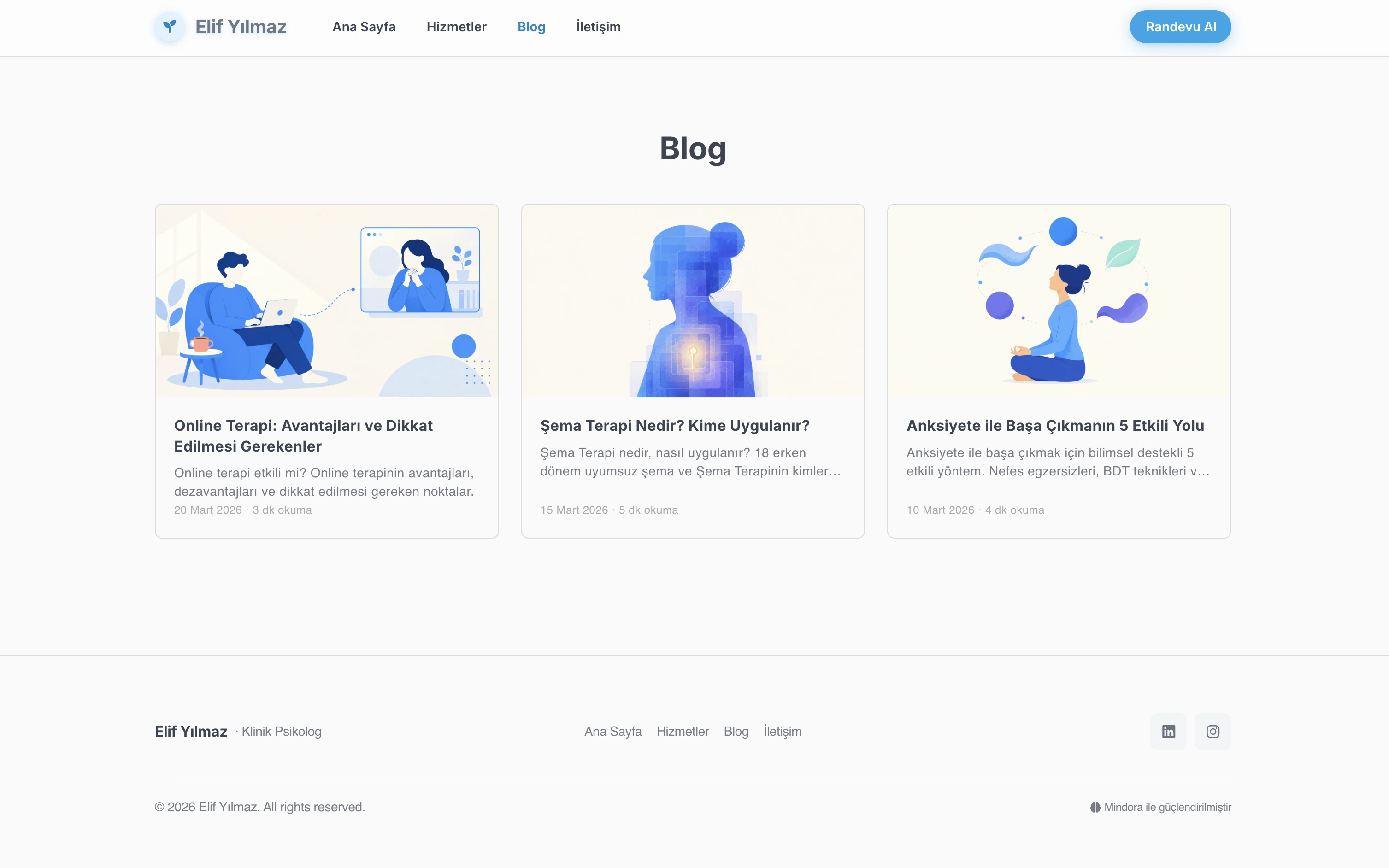
Content Authority
Publish consistent content to attract SEO traffic and prove your expertise.
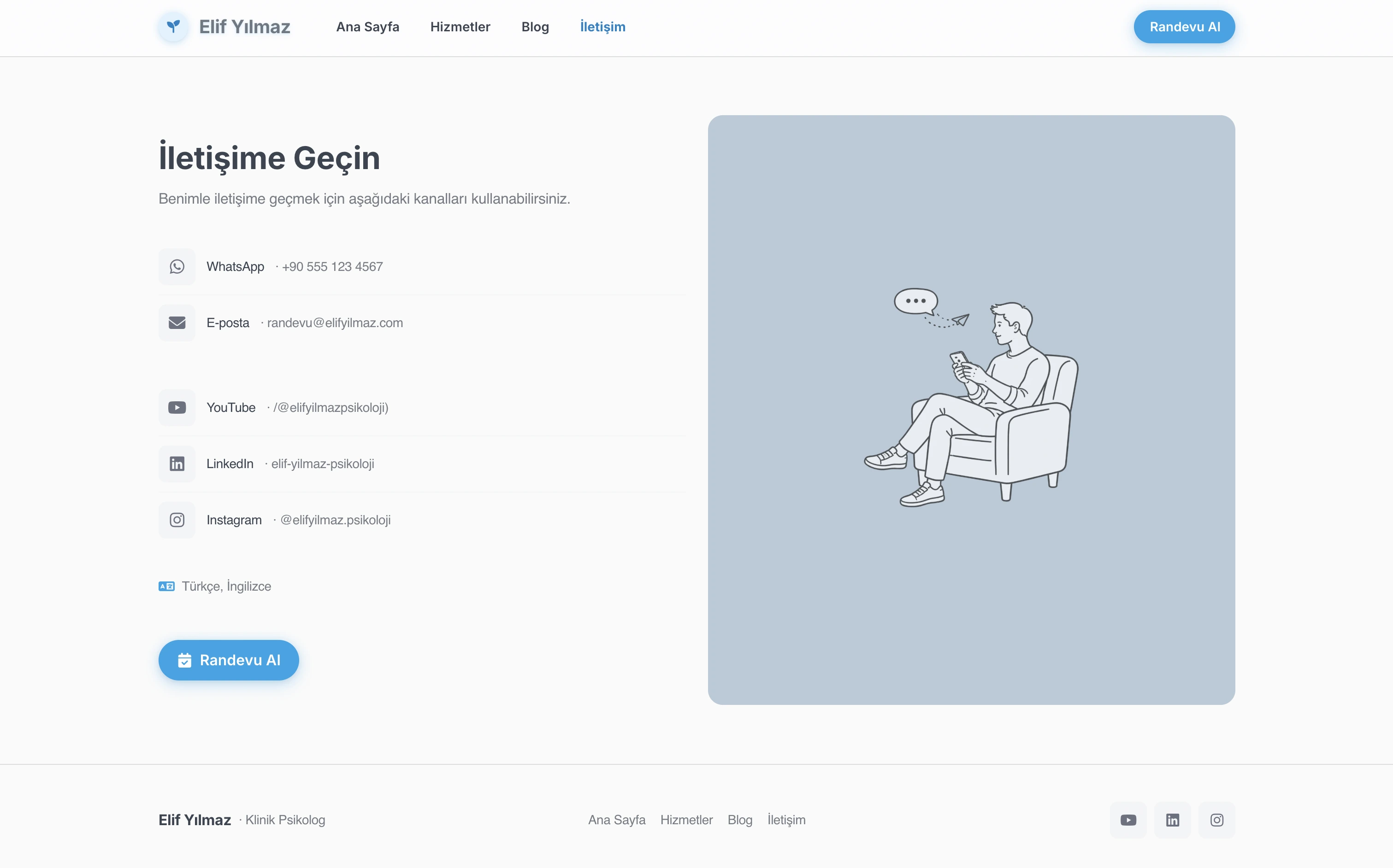
Contact Channels
WhatsApp, email, social media — let visitors reach you through their preferred channel.
Booking Flow
A 4-step wizard: service, date, details, confirmation — timezone converts automatically.
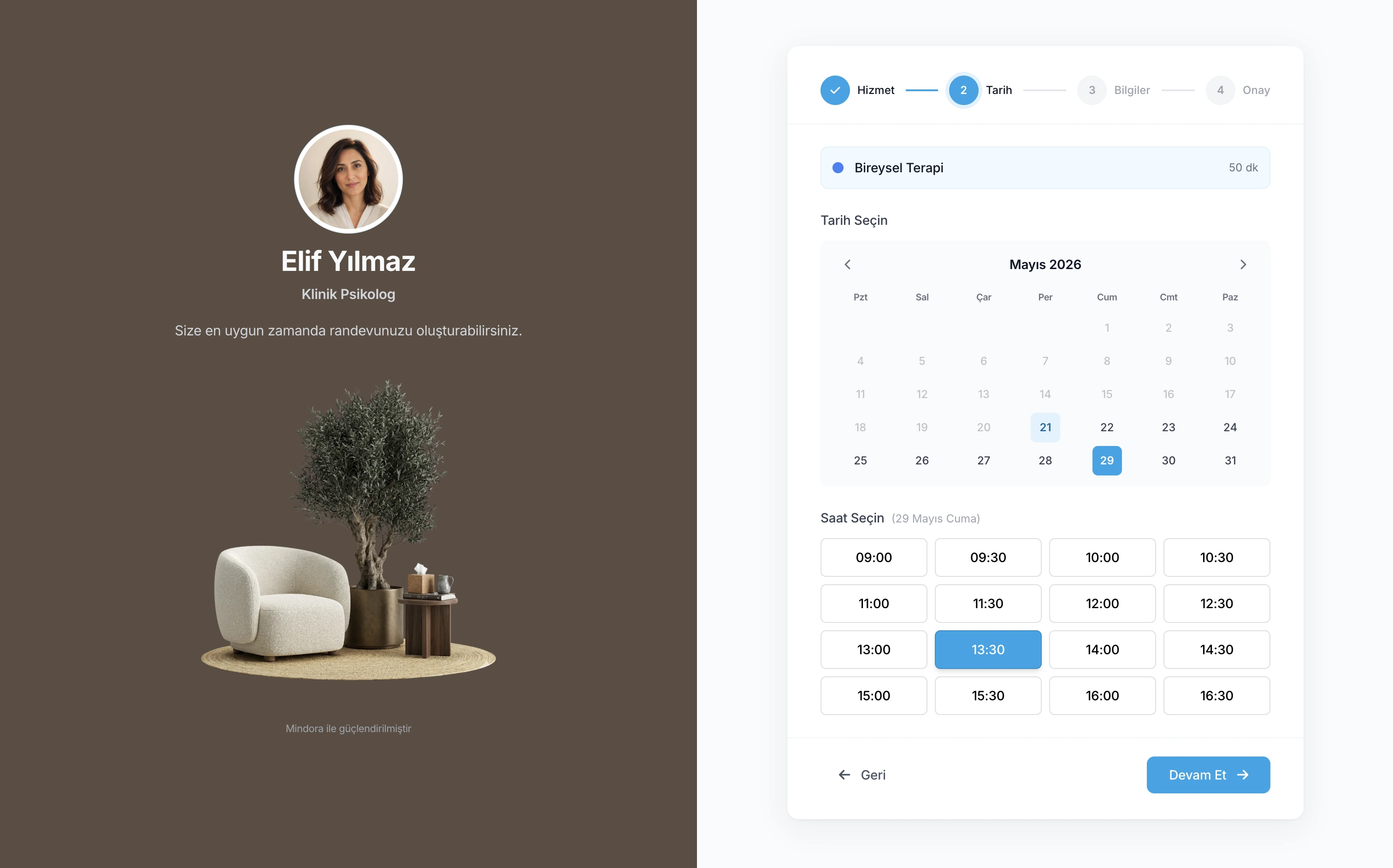
Your Full Professional Web Presence in One Place
Your subdomain site, booking page, blog, and marketing tools all come together in one place. Your clients get to know you, see your available times, and book from a single address.
Subdomain Professional Site
Get your professional website live right away on your own Mindora subdomain. No need to buy a domain or handle any technical setup — hosting is on Mindora, everything is ready to go.
Ready-Made Sections
Turn sections on or off as you like: About, Expertise, Services, Blog, Certificates, Contact, Personal Note, and Booking. Keep your site clean and professional with only what you want to show.
Specialty Areas
Pick from ready-made specialty areas or add your own custom ones. Let your visitors understand at first glance what you offer support with, so the right client finds the right therapist.
Certificates and Training
Present your bachelor's, master's, PhD, certificate programs, advanced training, and supervision in a structured way. Bring your professional history together in one place on your site.
Integrated Online Booking
Visitors create a booking request by selecting the service, date, and time directly. Form data and timezone are handled automatically; the booking flow stays connected to your panel.
Booking Preferences
Auto or manual approval, how far in advance bookings can be made: you decide the entire flow. Shape the booking experience around how you actually work, not the other way around.
Working Hours
Set your available time ranges for every day of the week. Busy times in Google Calendar are taken into account automatically, so visitors only ever see slots that are truly open.
Contact When Booking Is Off
When you're not accepting bookings, your page is never empty. Visitors can still reach you via WhatsApp, email, or the contact form, so no opportunity to connect is ever lost.
Appearance Settings
Personalize your site's look with theme color, font, accent tone, layout, hero animation, and ready-made visuals. Build a visual identity that fits your brand and way of working.
Blog Management
Manage your blog posts through a draft, published, and archived flow. With featured posts, related content, and custom blocks, build a content space that stays organized as it grows.
SEO and Marketing Tools
Manage your SEO settings and social media previews inside Mindora. Add your Google Analytics and Google Ads IDs, then track visitor and conversion data in their own panels.
Publishing Control
Take your site live with a single click or temporarily unpublish it whenever you need. Push changes live when you're ready — what's public, and when, stays under your control at all times.
Scenarios from Your Daily Practice
See how your professional website and integrated booking system fit into your workflow.
A New Client from Google
A visitor finds you on Google, reads your About section, and looks through your specialty areas and certificates. They pick a service and time and book straight from your site; the details land in your Mindora panel.
Managing Busy Periods
During exam season, before holidays, or in busy weeks, temporarily extend your working hours. The new availability shows up on your site automatically; clients book from open slots without calling you one by one.
Building Trust with the Blog
Publish posts about your specialty areas to share your approach with visitors. Blog content strengthens your visibility in search engines and gives readers a natural path from your writing to your booking page.
Learn More
Detailed guides about the online booking system.
Frequently Asked Questions
Common questions about the website and booking system.
Ready to Build Your Full Web Presence?
Create a free account and publish your website and booking page today.